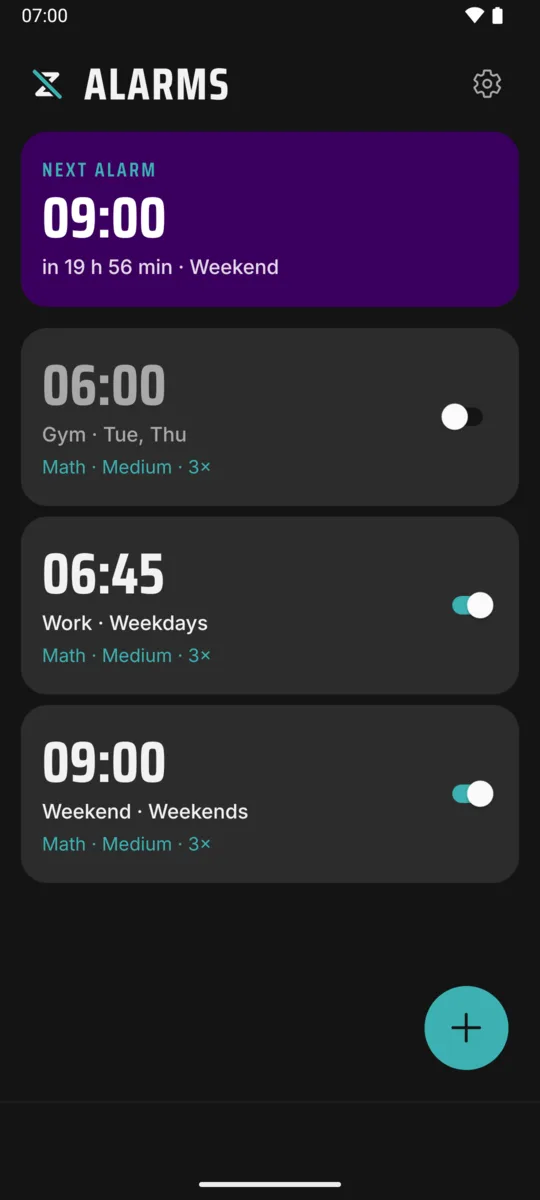
Alarm clock for Android and iOS
The alarm you can't snooze your way out of.
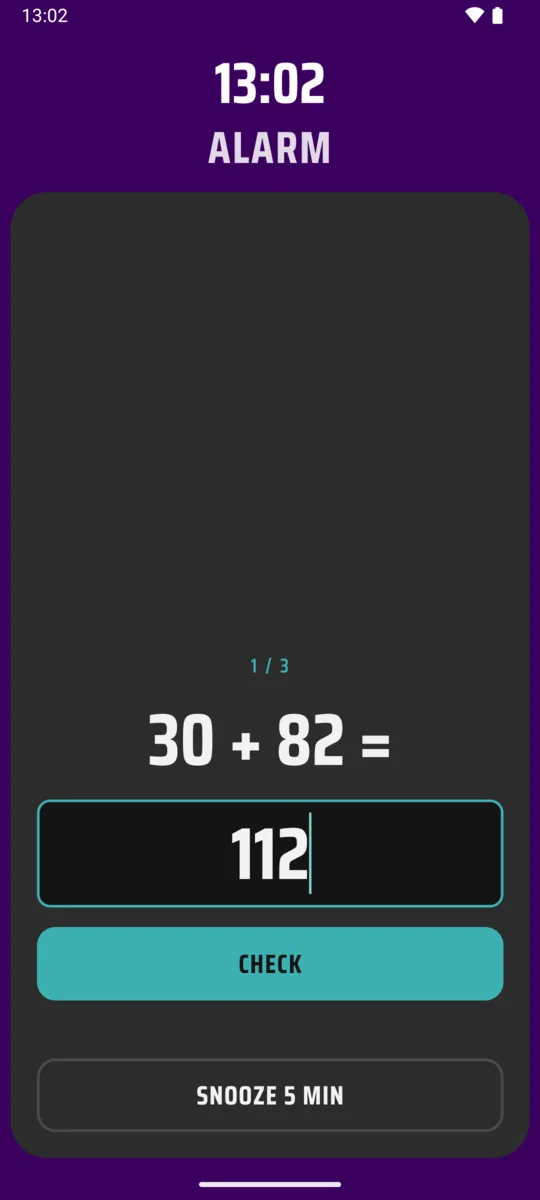
ZedLess only turns off after you solve a few math problems or scan a code somewhere else in the house. By then, you're up.
Coming soon to Google Play and the App Store.
How it works
-
1
Set an alarm
Pick a time and the days it repeats. That's the whole setup.
-
2
Choose how to stop it
Solve a few math problems, or scan a barcode or QR code you keep in another room. The toothpaste in the bathroom works well.
-
3
Get up
There's no stop button until the tasks are done. By the time they are, you're awake.
Simple. No fuss.
-
No account
No sign-up, no login, no email. Open it and set an alarm.
-
Stays on your phone
Your alarms are stored on your device and nowhere else.
-
Small, quiet ads
Just small banners. No pop-ups, no videos, nothing that covers the screen.
-
Your sound, your snooze
Use a built-in sound or your own. Set the snooze length, or turn snoozing off.
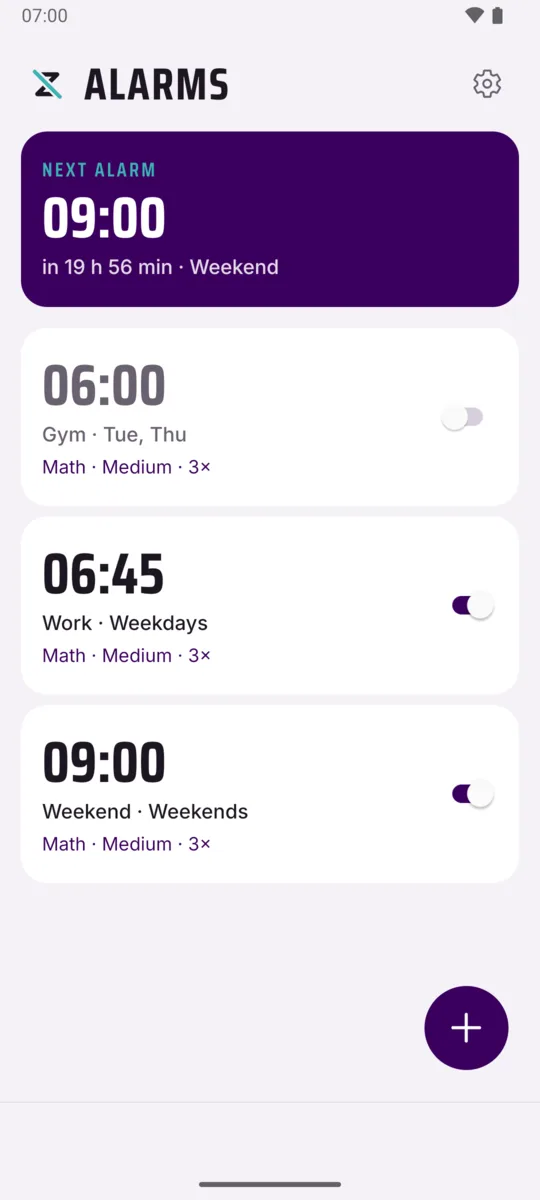
Light or dark
ZedLess follows your phone, or you pick one in Settings. The ringing screen is always dark: it rings in a dark room.